Offline Vocal Remover and Stem Splitter
Stemora separates a song on your Android phone into vocals and an instrumental, or into vocals, drums, bass and other. Singers, musicians, DJs and producers can use the mixer to practise, shape a track and export a mix or individual stem.
Get it on Google Play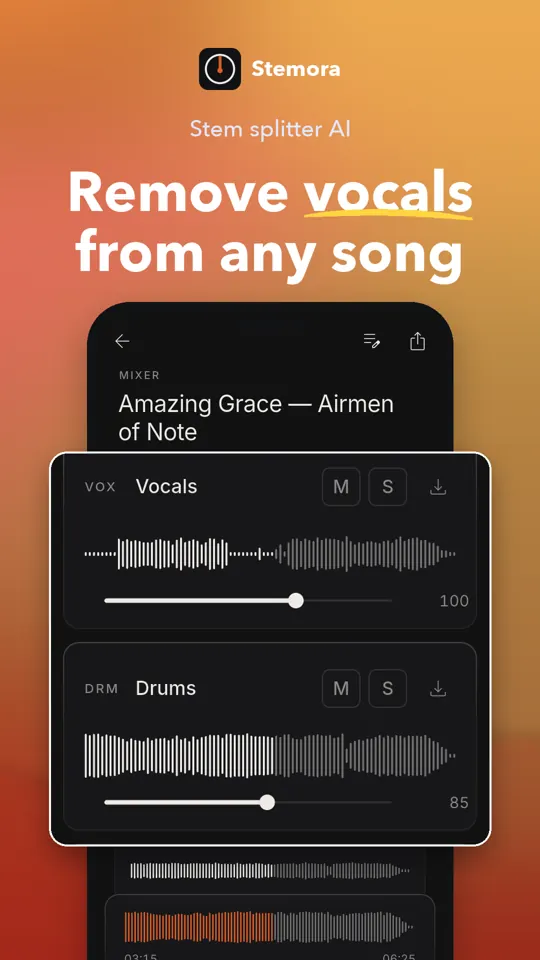
See Stemora in Action
Tools for Splitting, Mixing and Practice
Remove Vocals for Karaoke
Separate vocals from a song to make an instrumental backing track, or keep the vocal to study a melody or prepare a cover.
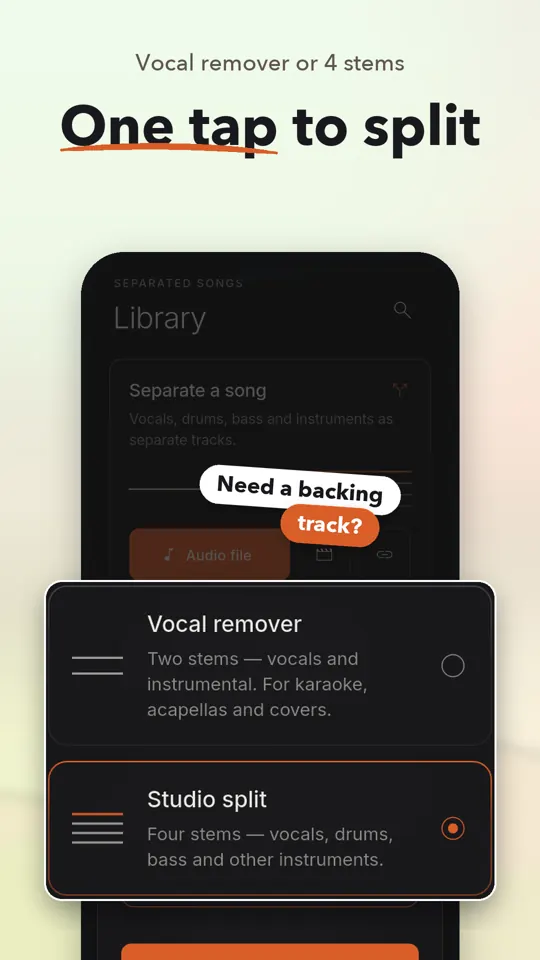
Split Songs into Four Stems
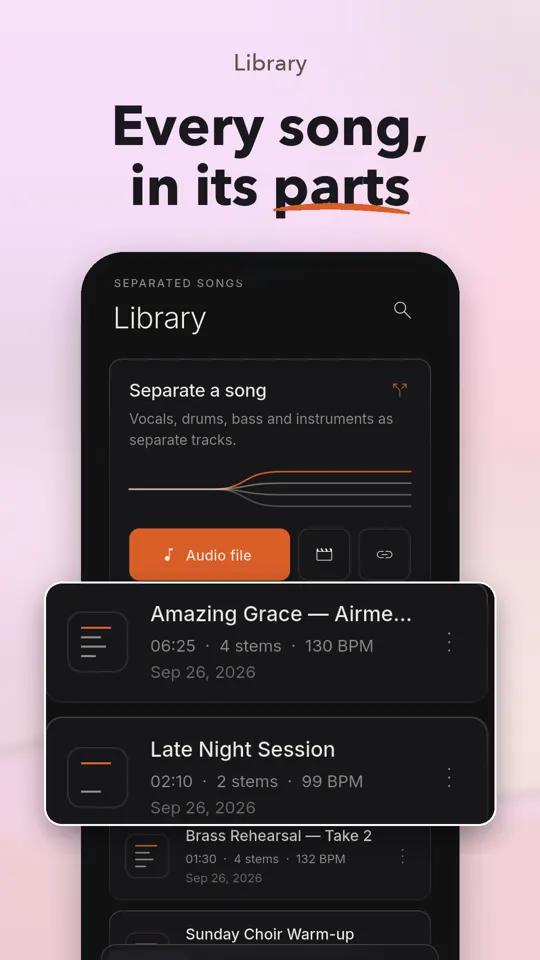
Separate vocals, drums, bass and other into individual tracks. Mute or solo parts to practise or listen closely.
Mix with Individual Controls
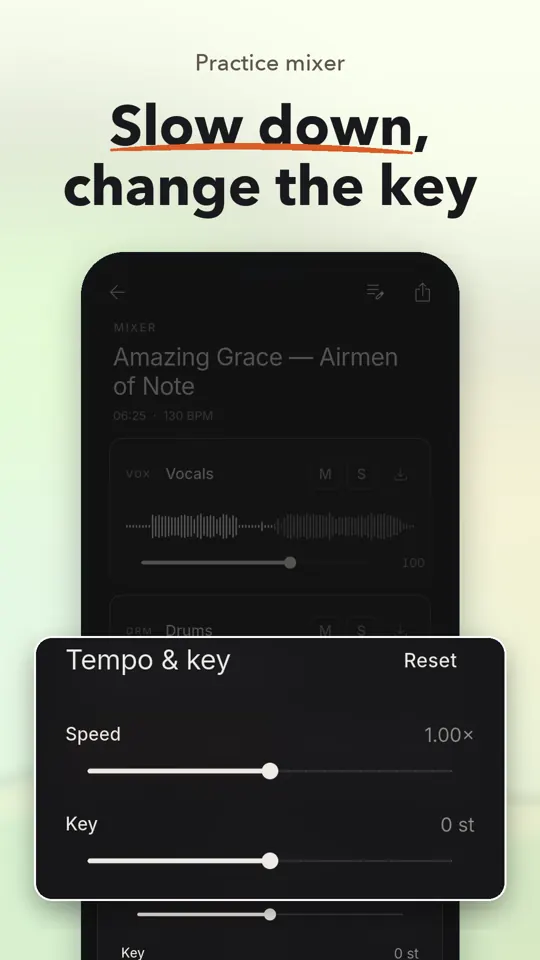
Adjust each stem with its own fader, mute and solo controls. Waveforms let you tap to jump to a point in the song.
Loop and Adjust Playback
Repeat a section with the A–B loop, change tempo from 0.5× to 1.5× without changing pitch, or shift key by up to six semitones.
Export Mixes and Stems
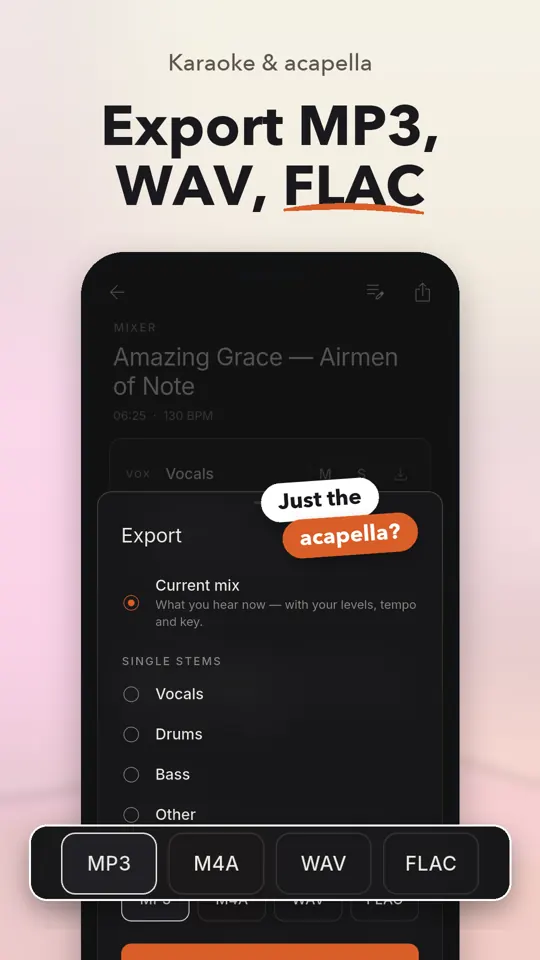
Export the current mix with its levels, tempo and key, or export a single stem. Save to Music/Stemora or share to another app.
Clean Up Audio Recordings
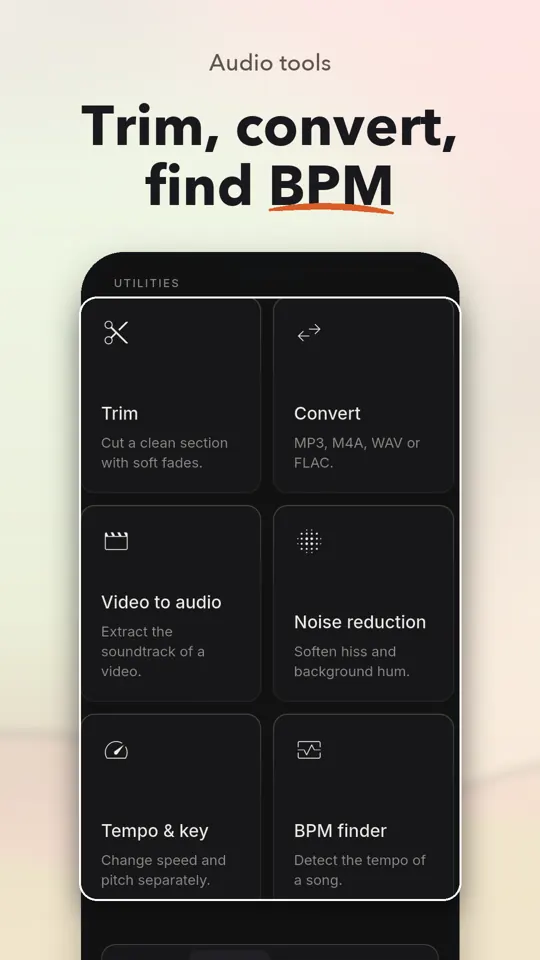
Use noise reduction to clean up hiss and hum in a recording.
Change Tempo and Key
Adjust speed and pitch independently, then save the result as a new file.
Find BPM and Follow Lyrics
Find a song's BPM, generate lyrics for a split song, and follow along with playback. Translate lyrics into nine languages.
Get Started in Three Steps
Choose a song
Open Stemora and select an audio file from your phone.
Pick a split mode
Choose Vocal remover for vocals and instrumental, or 4 stems for vocals, drums, bass and other.
Mix and export
Use the mixer to adjust, loop or practise with the tracks, then export a mix or single stem.
Made for Music Practice and Karaoke
- Karaoke singers making backing tracks
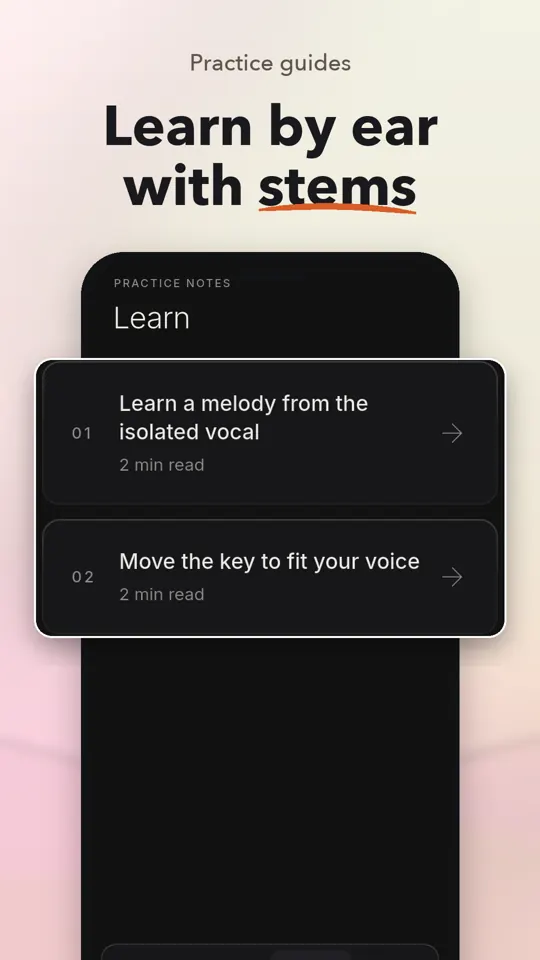
- Cover artists studying isolated vocals
- Guitarists learning songs by ear
- Bassists working out a song's bass line
- Drummers practising with separated tracks
- DJs and producers preparing acapellas
Free vs Pro
Free
- Three vocal remover splits per day for songs up to eight minutes
- Mixer with stem faders, mute, solo, waveforms and A–B loop
- Tempo adjustment from 0.5× to 1.5× and key shift up to six semitones
- MP3 and M4A exports for mixes or individual stems
- BPM finder
Pro
- Four-stem splits, or unlock one split by watching a short video
- Noise reduction and Tempo & key tool, or unlock one run of either by watching a short video
- WAV and FLAC lossless exports, or unlock one export by watching a short video
- Extra vocal remover splits beyond the daily limit, or unlock one by watching a short video
- Monthly, yearly and one-time lifetime options
Frequently Asked Questions
Does Stemora work offline?
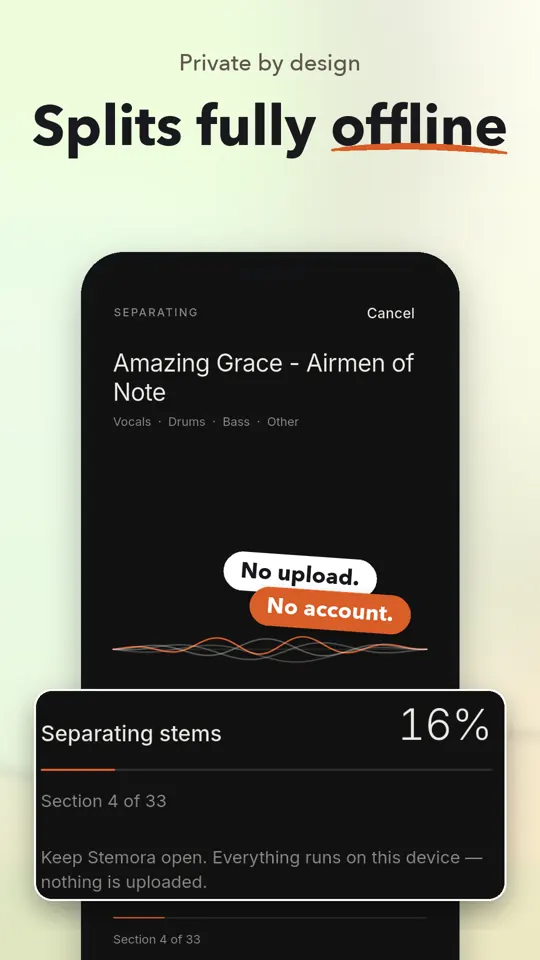
Song separation runs on your phone, so you don't need to upload songs to split them. AI lyrics and translation use Stemora's server.
Is Stemora free?
Stemora includes three vocal remover splits a day for songs up to eight minutes, along with mixer features and MP3 and M4A exports. Some tools and lossless exports require Pro, and some Pro uses can be unlocked by watching a short video.
Are my songs uploaded when I split them?
No. Vocal and stem separation runs on your phone, and songs are not uploaded for splitting. AI lyrics sends the vocal stem to Stemora's server for transcription.
Which phones can use Stemora?
Stemora is an Android app. There is no iPhone version.
Can Stemora remove vocals from a song?
Yes. Choose Vocal remover to separate a song into vocals and an instrumental backing track. The result opens in the mixer, where you can adjust or export the tracks.
Can I split a song into drums and bass?
Yes. The 4-stem mode separates vocals, drums, bass and other. It is available with Pro or one split can be unlocked by watching a short video.
Guides
How to Remove Vocals from a Song
Learn how to remove vocals from a song, choose a method, improve the result, fix common problems, and make a karaoke backing track on Android.
How to Separate Drums from a Song
Learn how to separate drums from a song using audio software or an AI stem splitter. Get practical settings, tips, troubleshooting, and Android steps.